Admin panels shaped around daily work.
Off-the-shelf tools help until the records, roles, or actions no longer match the product. We build the interface the team will open every day.
- 10
- Products built in-house
- 12
- Web projects in the portfolio
- 04
- Site languages: EN, TR, ES, DE
- UTC+3
- Overlaps US mornings and the full EU workday
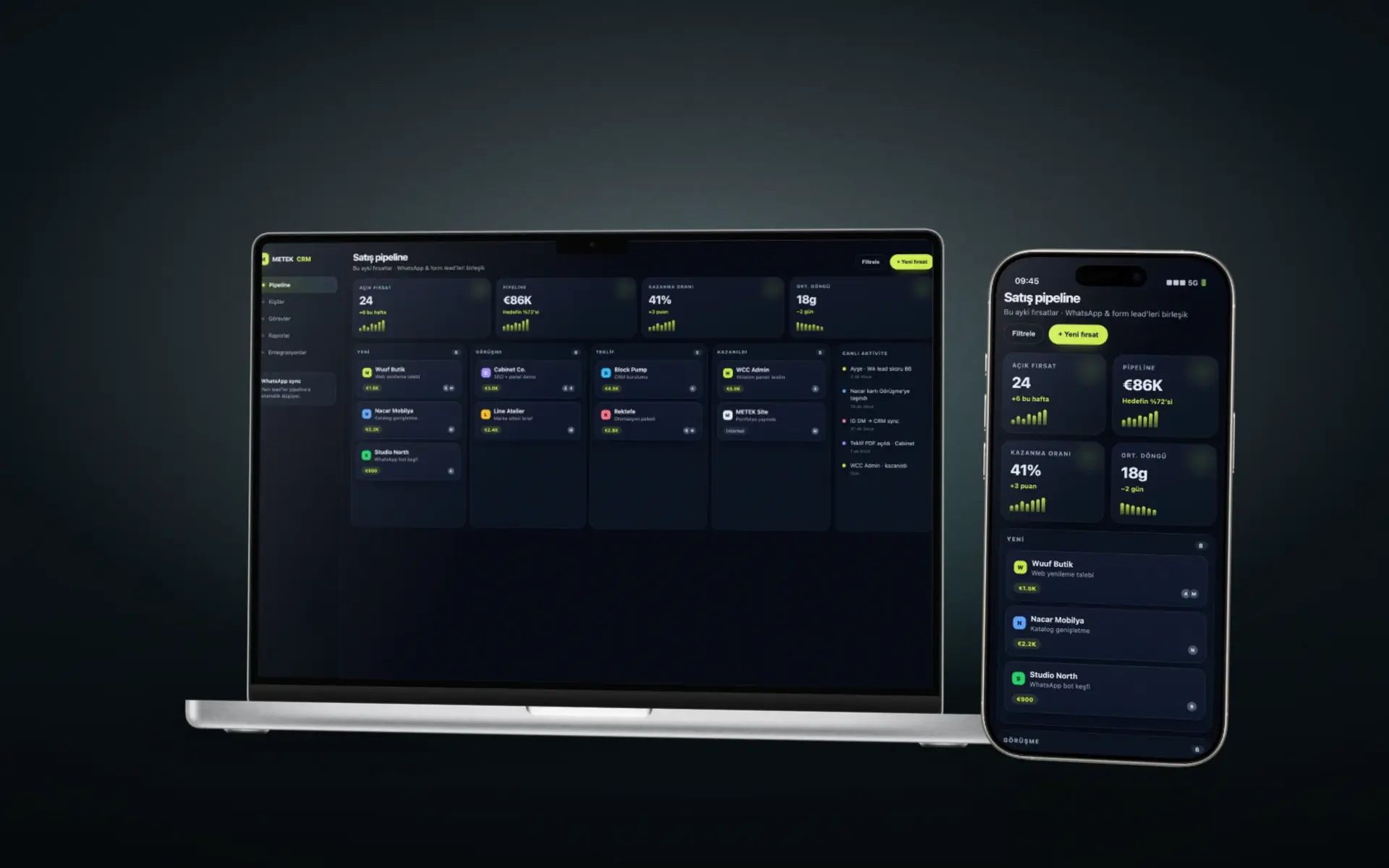
An admin panel is software for operators, not a second marketing site. It has to list the right records, enforce the right actions, and stay maintainable after launch. METEK Technologies builds those interfaces when a generic CRM or page builder leaves the team exporting spreadsheets and retyping the same data.
When a custom panel beats a generic CRM
A ready-made CRM is enough when the pipeline is standard and the team will actually fill its fields. It becomes expensive when staff invent workarounds: notes in WhatsApp, availability in a separate calendar, or content edits that require a developer.
Custom work is justified when the objects are specific to the business: cabinetry lines and quote packets, appointment slots with staff rules, or content fields that must match public pages. The panel then reflects those objects instead of forcing them into generic contacts and deals.
What we build
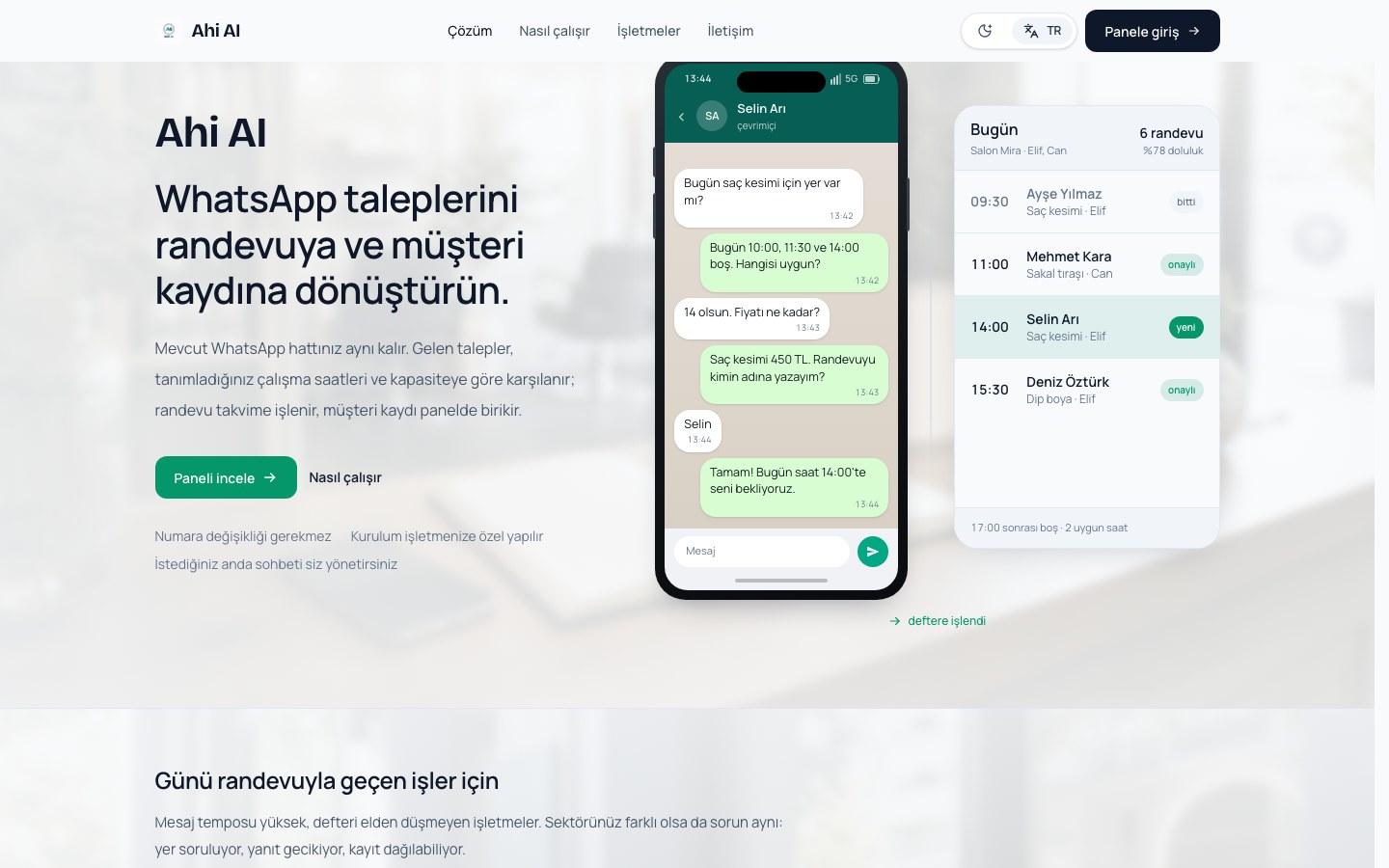
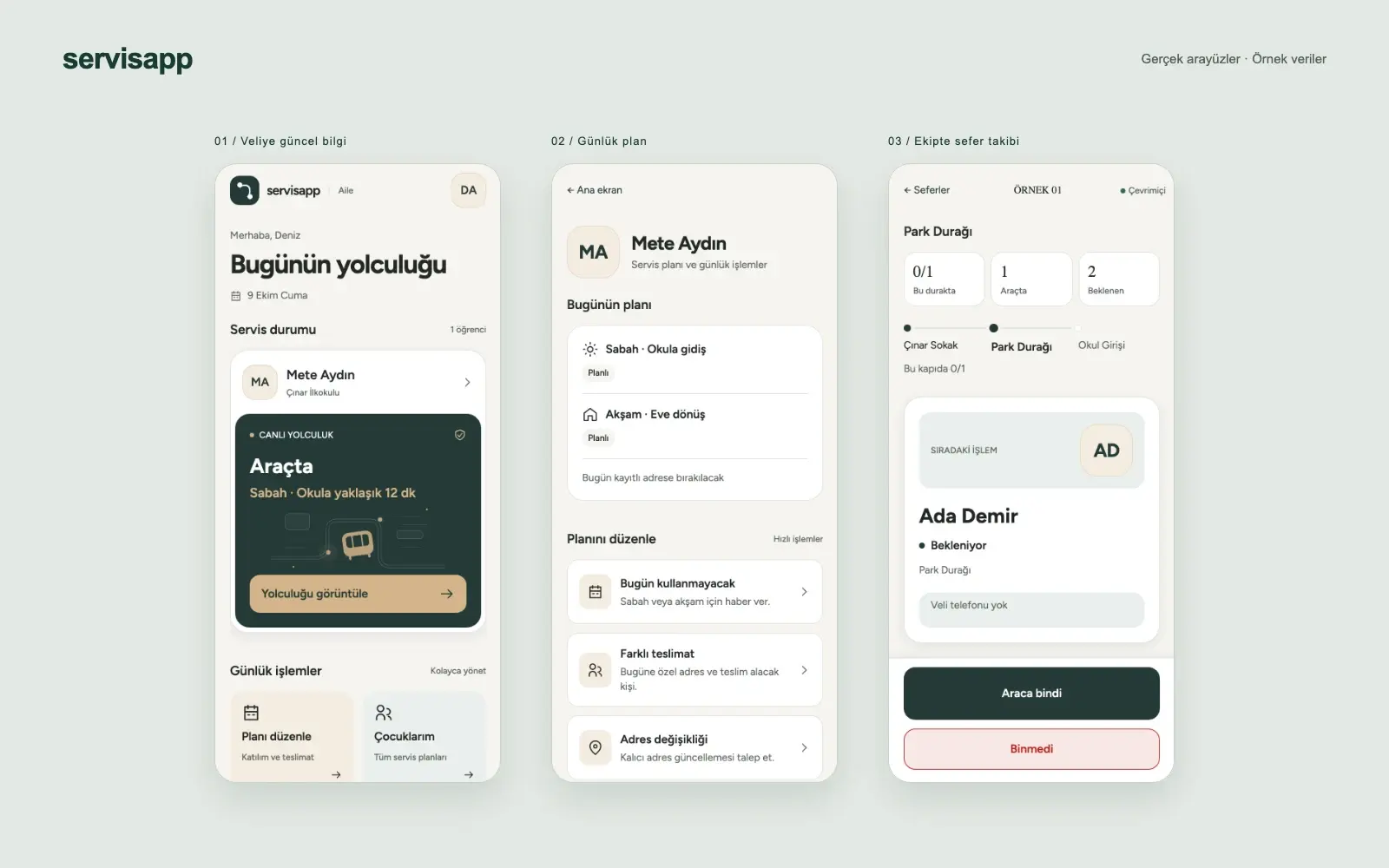
Typical deliveries include content administration for a public website, lead and quote inboxes, booking calendars, and role-based access. A mobile app or CSS design system can join the same project when the workflow needs a phone surface or a shared visual language with the public site.
We start from the records and actions, then design screens around them. Integrations (forms, WhatsApp, email, calendars, existing databases) are listed in scope so the panel is not an island.
The website and the panel belong in one plan
A public site that collects inquiries and a back office that cannot see them is a broken path. When both surfaces are in the engagement, we design the fields together: the quote form writes the record the sales team opens.
Portfolio work includes a cabinetry manufacturer's content panel beside the corporate site, and appointment tools connected to messaging flows. Those projects are useful references when you need both a storefront and an operating interface.
What we need to scope the work
List the jobs people do today, the systems they already log into, and the fields they cannot afford to lose. Note who may view, edit, or approve. A screenshot of the current spreadsheet or CRM view is more useful than a feature wishlist.
Also name what is out of scope. Replacing accounting software or rebuilding a warehouse system in the same sprint usually delays the panel that would have helped this quarter. We would rather ship the operator path that is blocking you.
Operational Architecture
Software designed around your actual daily workflow
Role-based access & audit trails
Separate views and permissions for sales reps, operations managers, external dealers, and executives.
Connected to your public site
RFQs, bookings, and dealer orders submitted on the website land directly in your pipeline without manual spreadsheet entry.
Full codebase ownership
No per-seat license as your team grows: your business owns the application logic, the database schema and the deployment.
Scope
What is included
Workflow and requirements analysis
Technical architecture
Web or mobile application
Custom admin panel
API and third-party connections
Workflow automation
Security and functional testing
How a project runs
From first conversation to launch
Discovery
We document the business goal, audience, available material, and technical constraints.
Scope
Pages, features, priorities, responsibilities, and review criteria are written down.
Design
We establish the interface, component rules, and a CSS design system when the project needs one.
Development
We implement the approved interface and connect the required panels, CRM functions, or messaging tools.
Quality review
We review mobile behavior, performance, core accessibility requirements, and technical SEO.
Launch
The approved release goes live with the agreed support period and content handoff.
Technology used in this work
- Next.js
- TypeScript
- Supabase
- PostgreSQL
Questions we are asked
Can you connect a new panel to our current website?
Often yes, if the site can expose or receive the needed data. Sometimes the cleaner path is to rebuild the public pages and the panel together so fields stay aligned. We decide that after seeing the current stack.
Do you build mobile apps as well as browser panels?
Yes, when the workflow needs a phone surface. Many teams are better served by a responsive admin panel first. A native or hybrid app is added when staff truly work away from a desk.
Who maintains the panel after launch?
We structure the project so routine content and record updates sit with your team. New features and integrations remain development work. Support coverage is written into the scope rather than implied.
Describe the system the team needs.
Share the records, the daily actions, and the tools already in use. That list is the start of a workable scope.