Internal software built around your workflow.
We build admin panels, CRMs and back offices for teams whose process does not fit a standard product: the records, roles and actions they use every day.
- 10
- Products built in-house
- 12
- Web projects in the portfolio
- 04
- Site languages: EN, TR, ES, DE
- UTC+3
- Overlaps US mornings and the full EU workday
A standard CRM asks you to adopt its idea of a sale. A custom panel starts from yours. If your quote has a configurator, your jobs have a field crew, your clients have a portal or your approvals have three steps, the panel should show exactly that, to exactly the right people, with a record of who did what.
When a custom panel beats an off-the-shelf CRM
When your workflow has steps a standard product does not model: configurable quotes, job scheduling with crews, partner portals, approval chains or products with unusual attributes. When your team keeps a spreadsheet beside the CRM to hold what the CRM cannot. When the per-seat fees of a standard product start to cost more than owning the tool.
When none of that applies, a standard CRM is the faster, cheaper choice, and we recommend it.
What goes inside
Records and lists with the filters your team uses. Roles and permissions, so a technician sees jobs and a manager sees margins. Audit logs that show who changed what and when. Notes, files and conversation history attached to the right record. Reports for the numbers you review every week. Notifications that reach people in the tools they already use.
Connecting it to your website and other systems
Website forms create records automatically. The panel can publish products, prices, pages or listings back to the public site. Calendars, email, accounting and messaging connect through official APIs. Where a system has no API, we say so before promising a connection and propose an export that runs on a schedule.
Moving from spreadsheets
Migration is part of the job. We map the old columns to records, clean what is inconsistent, import a sample for your team to check and only then move everything. People keep working in the old sheets until the day of the switch, and we agree the date with you.
Why teams work with us
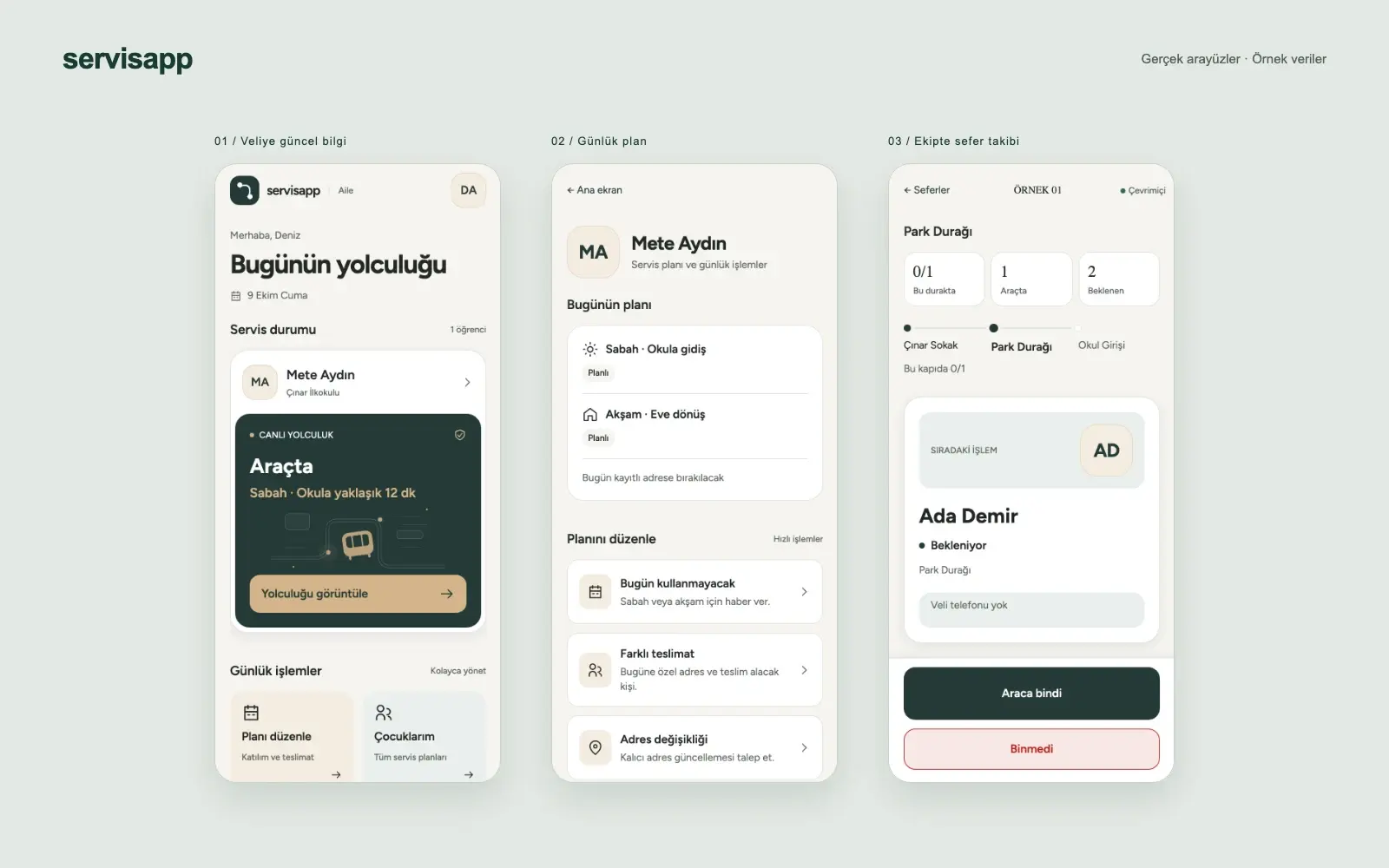
Panels we use ourselves.
A panel in production
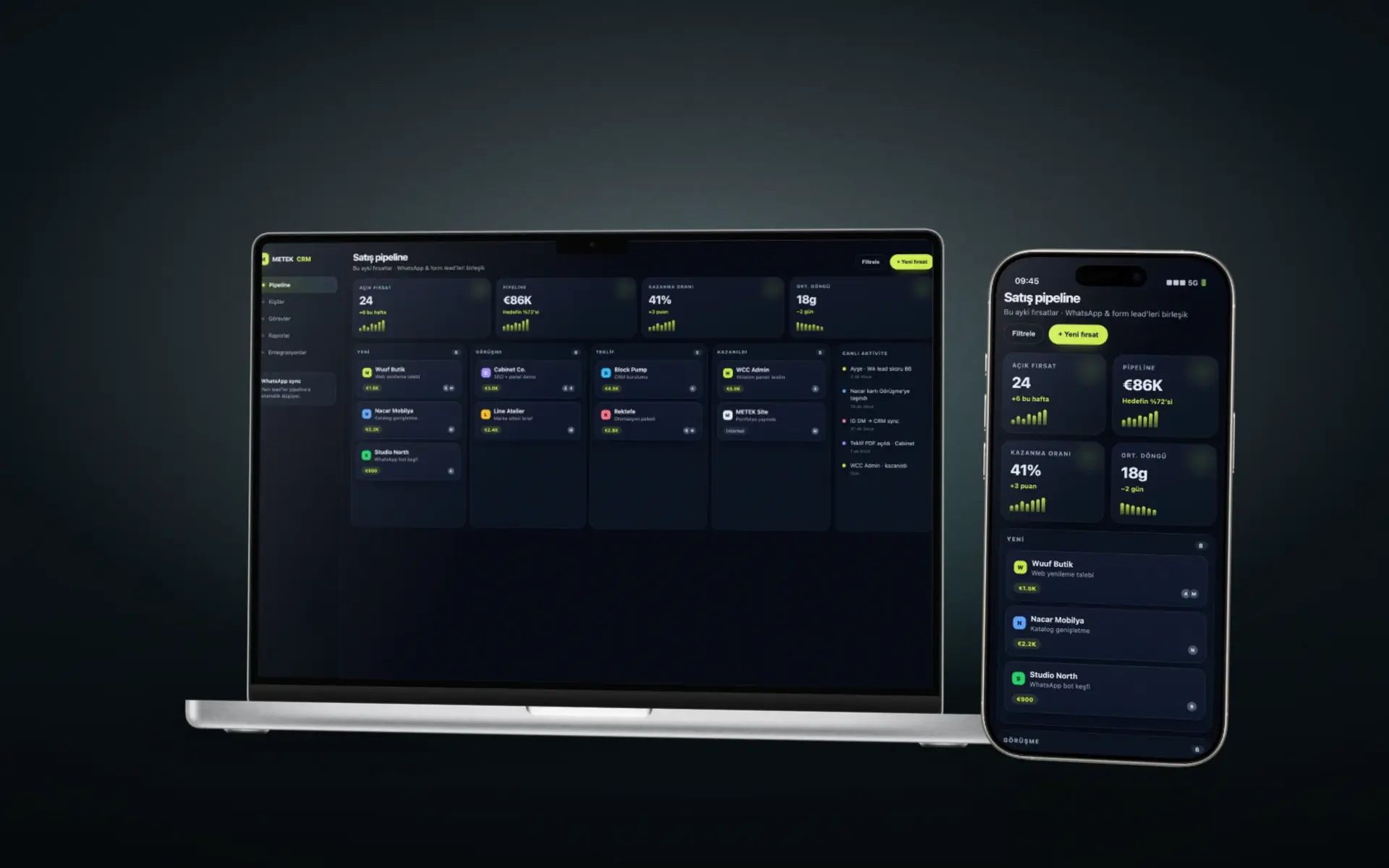
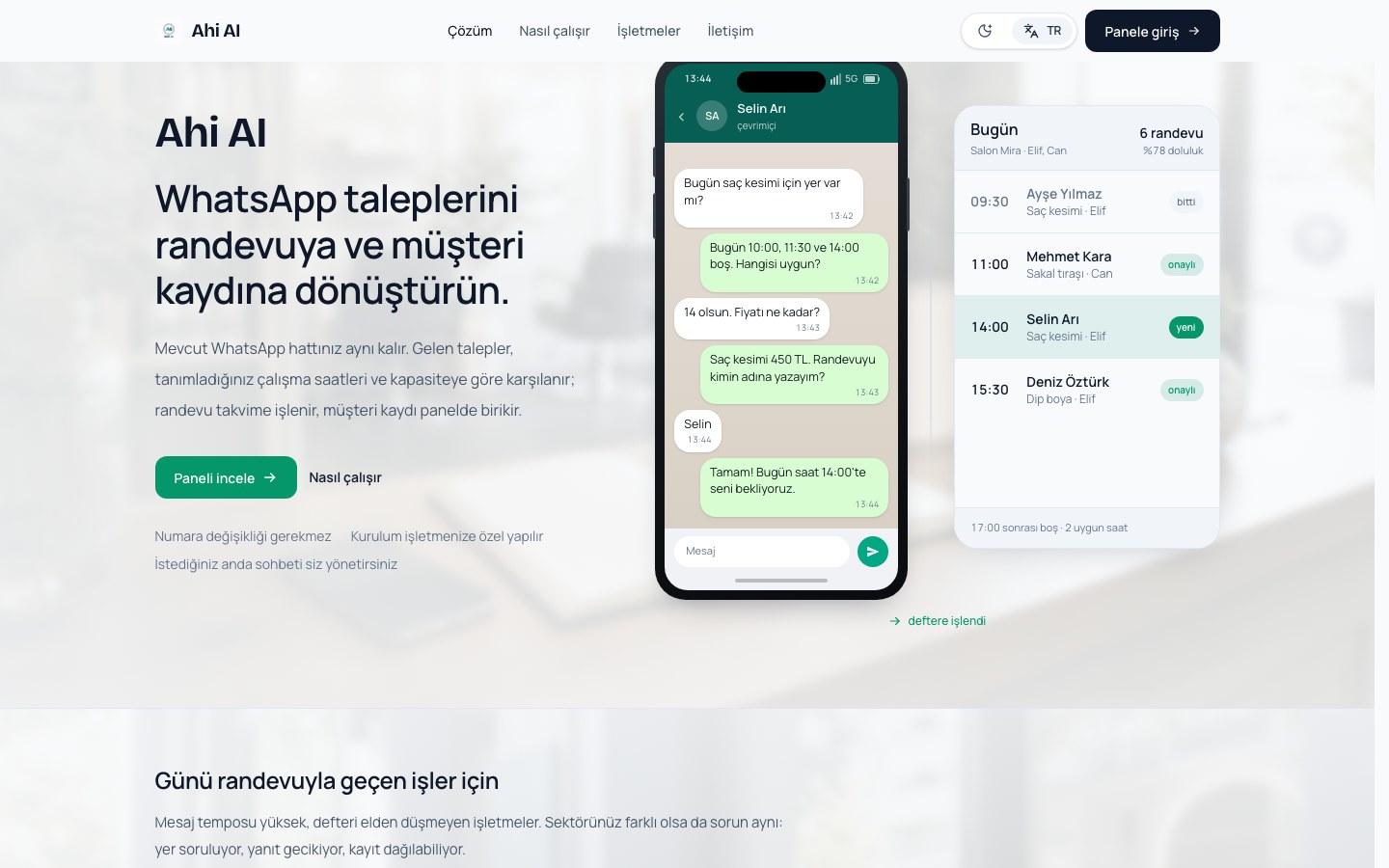
Our sales and appointment panel unifies WhatsApp and Instagram conversations, customer history and team notes. Ahi AI runs on a similar one.
Roles and records first
We design who sees what and which actions leave a trail before we draw a screen.
Connected to the site
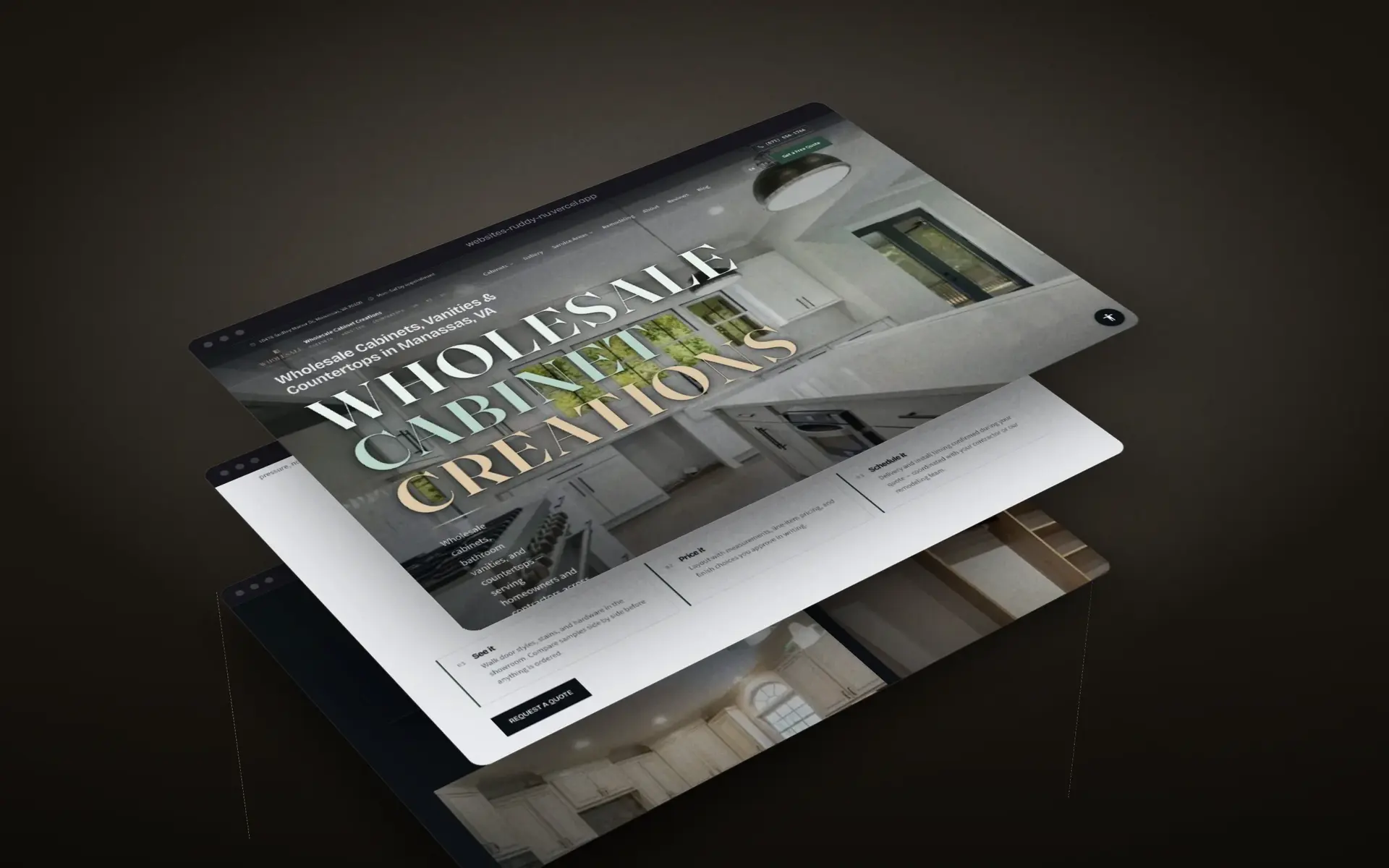
Public pages feed the panel, and the panel feeds the public pages, so enquiries become records without retyping.
Scope
What a panel project includes
Records and roles map
What the panel stores, who sees it and who may change it.
Screens and workflows
Lists, detail views and the actions your team takes daily.
Integrations
Your website, calendar, email, messaging and accounting.
Audit trail
A record of who changed what, and when.
Data migration
Import from spreadsheets or the old system, checked with your team.
Handoff
Your repository, your accounts and documentation.
Choosing a tool
Spreadsheet, off-the-shelf CRM or custom panel
| Tool | Good for | Where it strains | Our view |
|---|---|---|---|
| Spreadsheet | One or two people and a short list of records | Concurrent edits, permissions, history | Fine until the second person needs to trust it. |
| Off-the-shelf CRM | A conventional sales process | Unusual records, field crews, portals, approvals | Start here when it fits. We will tell you if it does. |
| Custom admin panel | Your own records, roles and rules, tied to your site | Needs a scope and an owner on your side | Right when a spreadsheet sits next to your CRM. |
How a project runs
From first conversation to launch
Discovery
We document the business goal, audience, available material, and technical constraints.
Scope
Pages, features, priorities, responsibilities, and review criteria are written down.
Design
We establish the interface, component rules, and a CSS design system when the project needs one.
Development
We implement the approved interface and connect the required panels, CRM functions, or messaging tools.
Quality review
We review mobile behavior, performance, core accessibility requirements, and technical SEO.
Launch
The approved release goes live with the agreed support period and content handoff.
Technology used in this work
- Next.js
- TypeScript
- Supabase
- PostgreSQL
- React
- Vite
Questions we are asked
Can a custom panel connect to our website or ERP?
Yes, when the other system has an API or an export we can read. We check what yours offers before agreeing the scope.
How long does a custom panel take?
A focused internal tool can be live in weeks. Panels with several roles, integrations and migration take longer. The written scope carries a milestone plan.
Do you charge per user?
No. You own the software, so there is no per-seat license. You pay for the build, and for hosting and support if you choose them.
Is the panel usable on phones and tablets?
Yes. We design for the devices your team really uses, including field staff on phones.
Tell us which spreadsheet runs your business.
Describe the records, the people who touch them and where the data comes from. That is enough to sketch the first version.